🚧 Content in progress — We're publishing this page now to give you a sneak peek. Even better very soon!
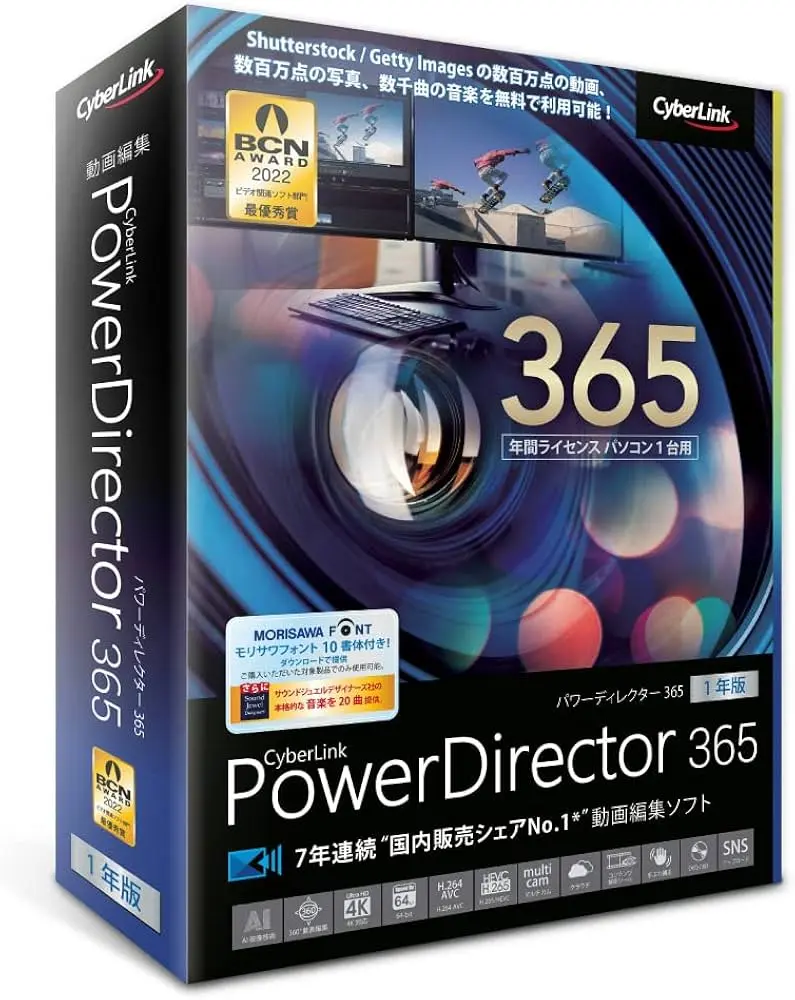
Transform your photos into memorable videos ✨
Bring your travel memories to life with PowerDirector 365 (Mac & Windows)
👉 Dynamic videos, captivating storytelling, professional rendering — even if you’re just starting out
PowerDirector 365 for Mac
PowerDirector 365 for Windows
🎬 Why create a travel video?
- Relive your adventure as if you were there
- Share your memories with emotion
- Keep your photos in a lively and inspiring format
- Create an immersive story in just a few clicks
🚀 What you will learn
A simple, clear and effective method to transform your images into captivating videos:
- ✅ Organize your photos & clips
- ✅ Use effects, transitions and titlings
- ✅ Add music, voice-over & soundscape
- ✅ Use AI to extract text from photos & create subtitles (SRT)
- ✅ Add notes & travel info directly in the video
- ✅ Export & publish with optimal quality
Bonus: How to integrate text-to-speech for seamless narration — without needing to record your voice.
🧠 A powerful tool + a simple method
You benefit from PowerDirector 365 to:
- Intuitive assembly
- Animated titles & pro effects
- Ready-made templates
- Built-in AI (text, voice, recognition)
🌍 And then? Publish & make your story shine
I will also show you how I publish my videos on YouTube and optimize:
- 📈 Title, description & keywords
- 🎵 Music rights management
- 🤖 Using AI for video SEO
- 🎯 Compelling thumbnail + storytelling
No need to be an expert: you will get there step by step.
🎁 Coming soon on this page
- Step-by-step video tutorials
- Editing templates & narrative scripts
- Checklists & pro tips
- Inspiration to document your travels
Ready to give new life to your photos? 🌅
Check back soon — or subscribe to receive the full method as soon as it’s released.